
Live Video Hawaii has built a cloud-based Unity Intercom System accessible from anywhere in the world via WiFi or your Mobile Data connection. We are able to Talk/Listen up to 20 users simultaneously on 6 separate PL (Party Line) channels. It's a complete BYOD (Bring Your Own Device) intercom solution that runs from your mobile device, tablet, laptop, or desktop computer. Setup is simple and quick.
- Download Unity Client to your device.
- iOS - iPhone & iPad
- Android
- Mac OS X
- Windows Touch
- Windows Desktop
- Your Username and Password will be given to you.
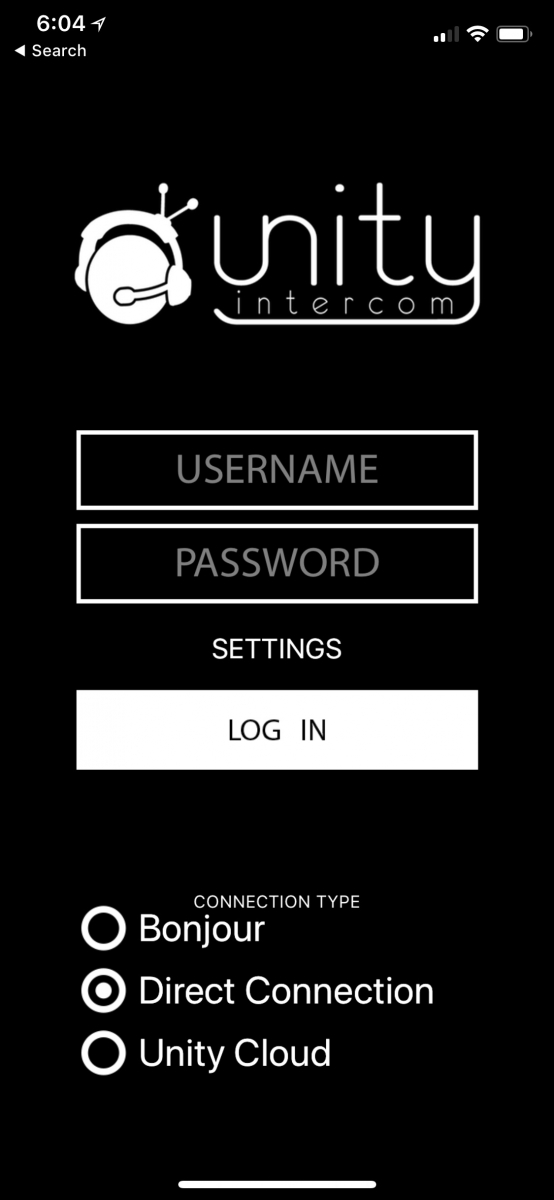
- Select Direct Connection as the connection type.
- Tap Settings above Log In.
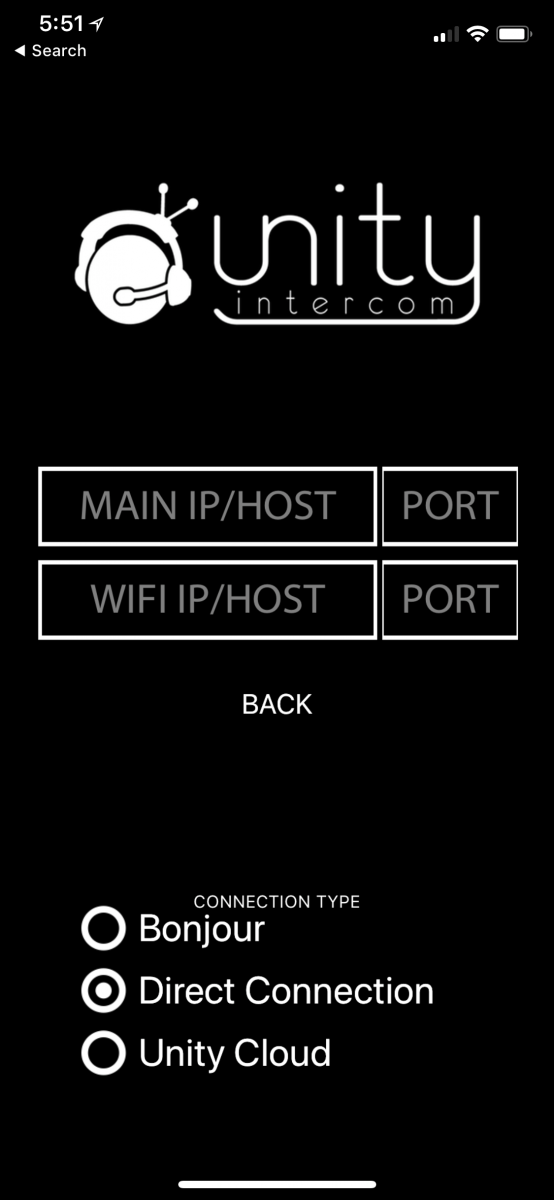
- On the next screen, add the IP below by copying and pasting it into the top left field, MAIN IP/HOST.
66.75.106.43
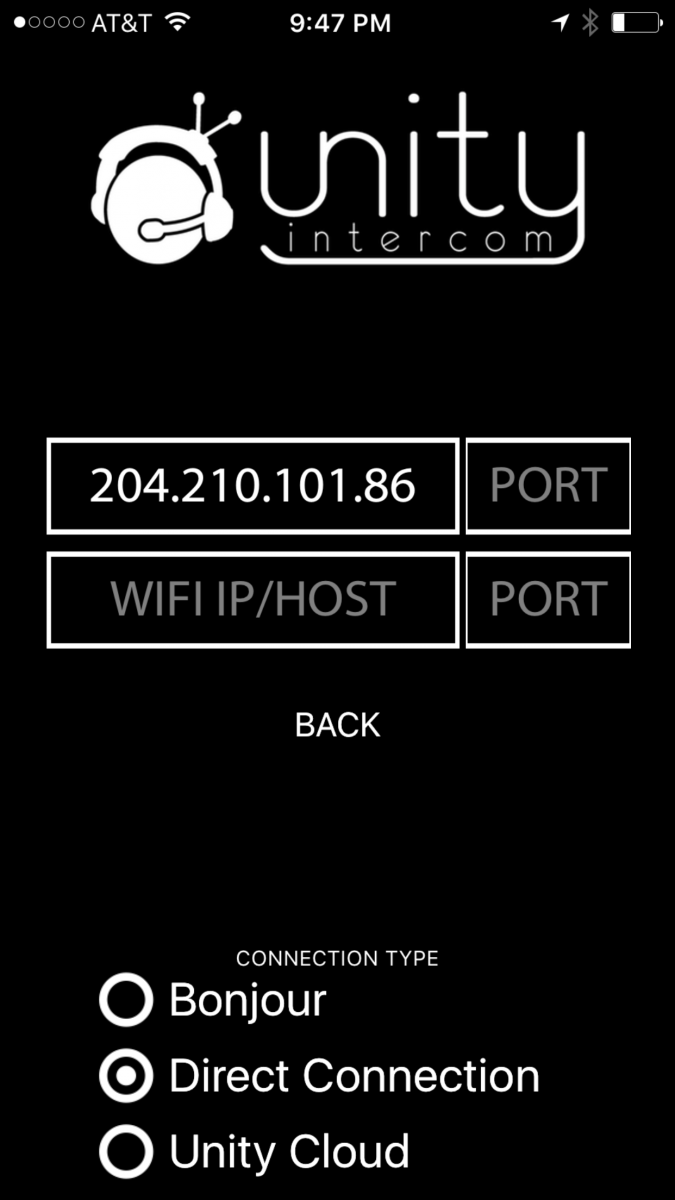
- Tap Back to go back to the login screen.
- Login and the app will connect you to our Unity Intercom System.
- You will need a TRS or bluetooth headset, one that has both earphones and a microphone such as one that came with your mobile device.
Using the mobile Unity Client app is simple as shown in the video below: